---
title: "Images and embeds"
description: "Responsive images, videos, and rich media embeds to enhance and illustrate your documentation."
canonical_url: "https://ui.nuxt.com/docs/typography/images-and-embeds"
---
# Images and embeds
> Responsive images, videos, and rich media embeds to enhance and illustrate your documentation.
## Images
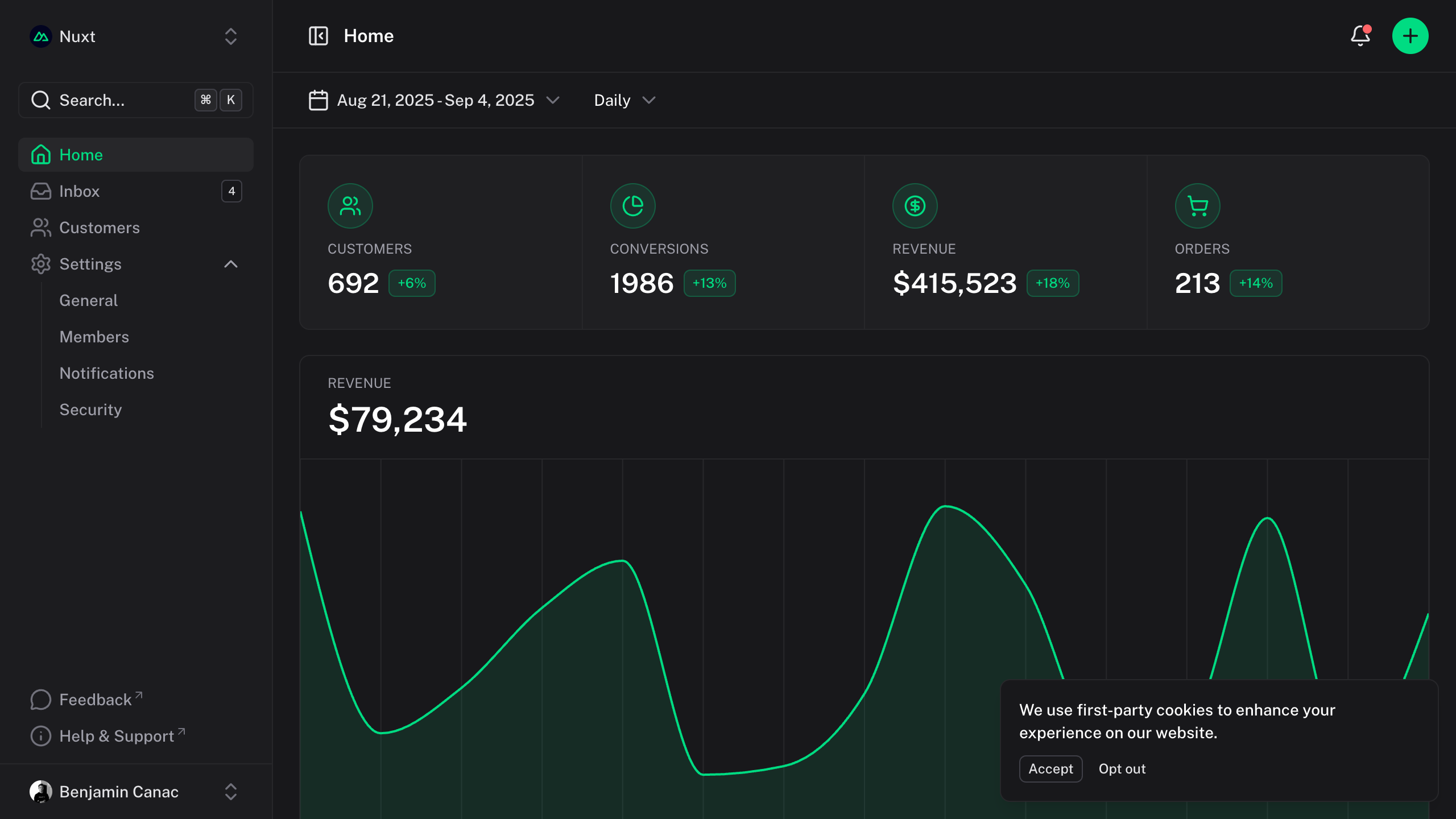
Responsive images with automatic optimization and interactive zoom functionality.
```vue
```
```mdc

```
:::
```ts [app.config.ts]
export default defineAppConfig({
ui: {
prose: {
img: {
slots: {
base: 'rounded-md',
overlay: 'fixed inset-0 bg-default/75 backdrop-blur-sm',
content: 'fixed inset-0 flex items-center justify-center cursor-zoom-out focus:outline-none',
zoomedImage: 'w-full h-auto max-w-[95vw] max-h-[95vh] object-contain rounded-md'
},
variants: {
zoom: {
true: 'will-change-transform'
},
open: {
true: ''
},
width: {
false: 'w-full'
}
},
compoundVariants: [
{
zoom: true,
open: false,
class: 'cursor-zoom-in'
}
]
}
}
}
})
```
**Nuxt:**
> [!NOTE]
>
> If [`@nuxt/image`](https://image.nuxt.com/get-started/installation) is installed, the `` component will be used instead of the native `img` tag for enhanced performance and optimization.
### Zoom
By default, images support interactive zoom: clicking an image opens it in a modal overlay with smooth transitions, allowing users to examine details more closely.
To prevent zoom on a specific image, add the `:zoom="false"` attribute.
```mdc
{:zoom="false"}
```
### Size
Images automatically adapt to their container while maintaining aspect ratio. You can control sizing through markdown or HTML attributes when needed.
```mdc
{width="300"}
```
## Iframes
Easily embed interactive content like CodeSandbox, Figma, or YouTube.
### YouTube
```html
```
### CodeSandbox
```html
```
### Figma
```html
```
## Sitemap
See the full [sitemap](https://ui.nuxt.com/sitemap.md) for all pages.